Next to adjusting colors and contrast, the most-used tool for me would probably be the Layer Mask Tool. The Layer Mask is a method for making areas of a layer selectively transparent or opaque (and varying degrees of transparency in between). It's the tool that finds use for very fine adjustments to small areas of your image, to making composites of images -- everything from
cheesy portraits inside a brandy snifter to
amazing image transformations
). Right now we'll deal with everything you need to know about the Layer Mask Tool. It's so threaded into the image-editing process that it has to be taught, I feel, before most anything else.
I'll start with an image with two layers. (Feel free to follow along or experiment by creating an image with any two layers you want to combine.) Here's the bottom layer:
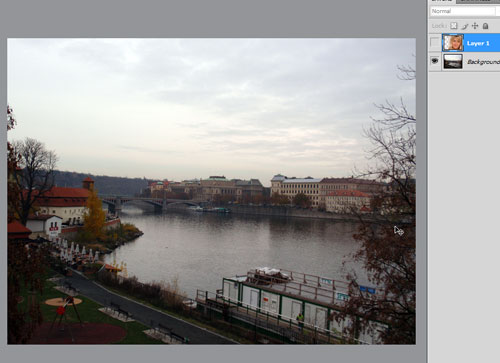
and here's the top layer:
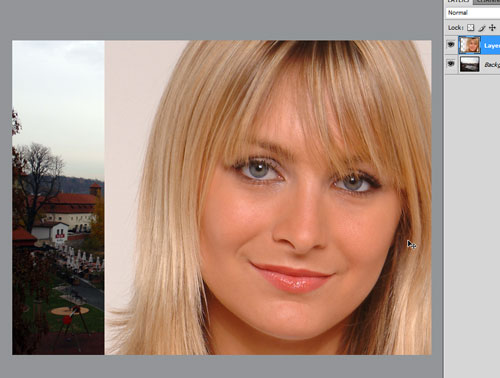
(You already know this is going to be cheesy.)


